
Terminal X3 - Trading, Charting, Analytics, Calculators - All in One!
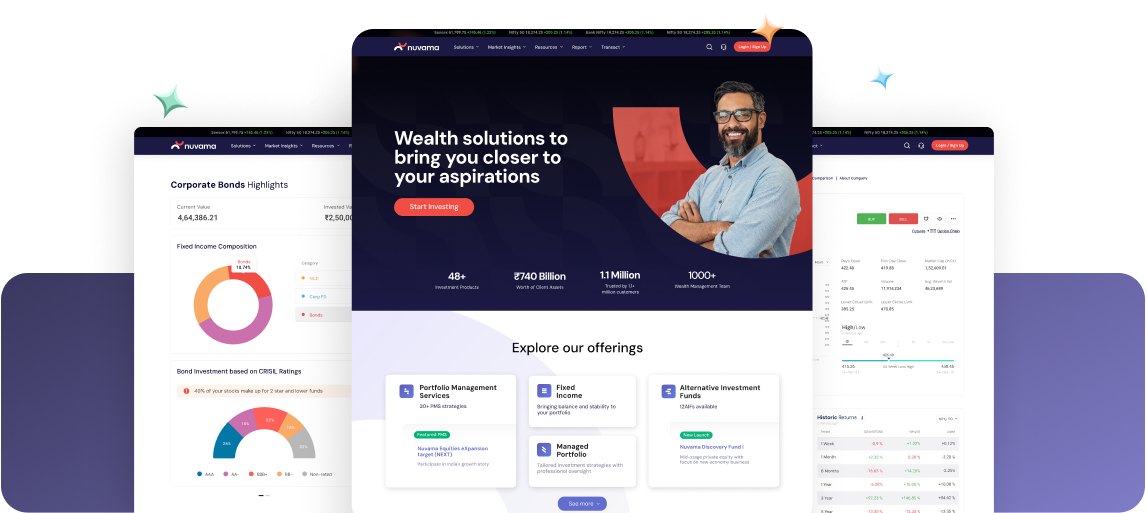
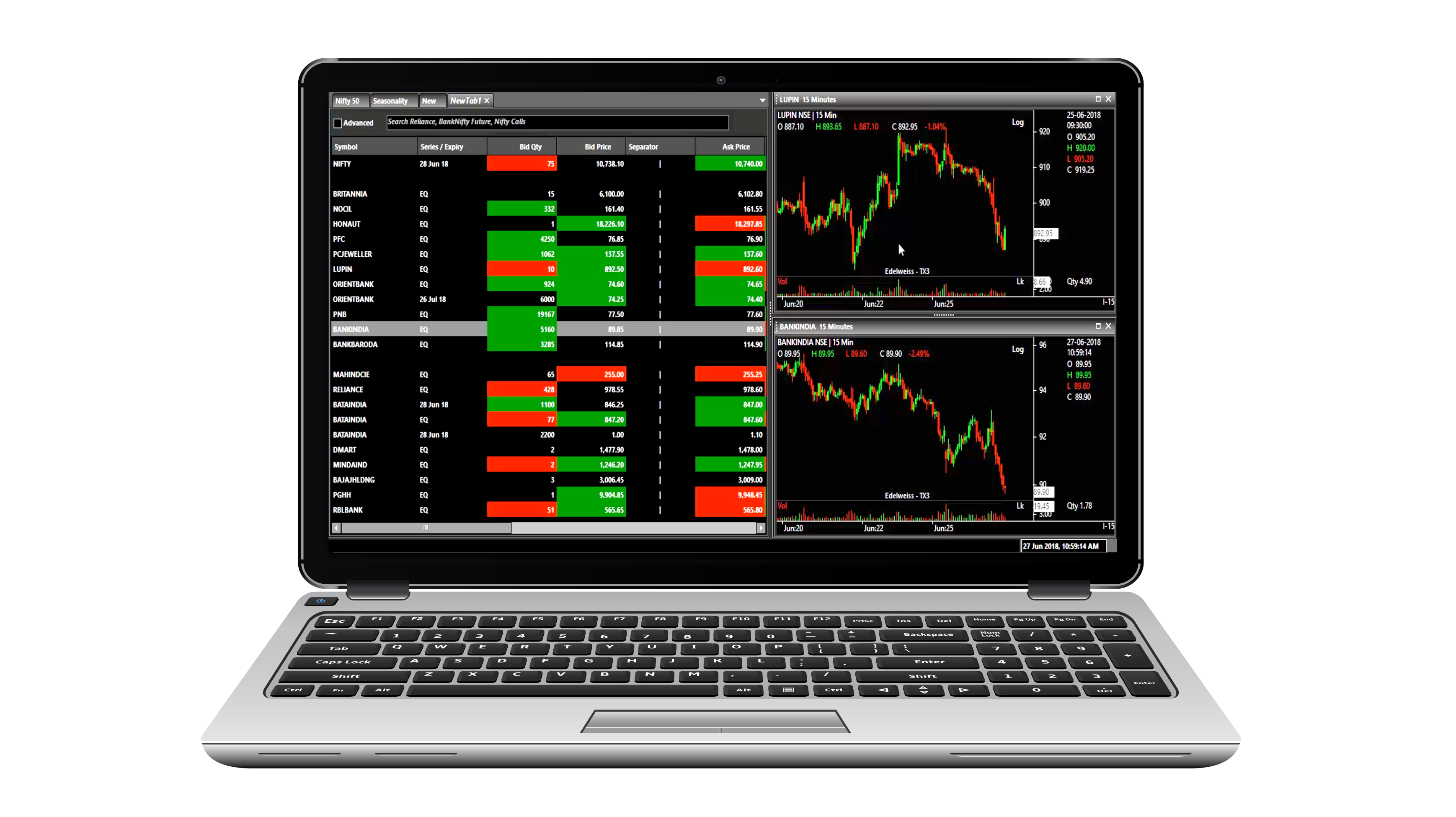
In a world full of ordinary, introducing a new giant in the trading world – a desktop trading software with an X-factor. Terminal X3 (TX3) is a complete trading terminal with analytical solution for all you traders. With exceptional speed, Insightful data analytics and super advanced charting all packed in a single share market software, TX3 boasts of not just one, but 3 X-factors that will keep you on top of the share markets, always!
Download for Equities Download for Commodities Download Xtreme TraderWhy This Free Share Market Trading Software Is All You Need

EXTENSIVE SHARE MARKET INFORMATION
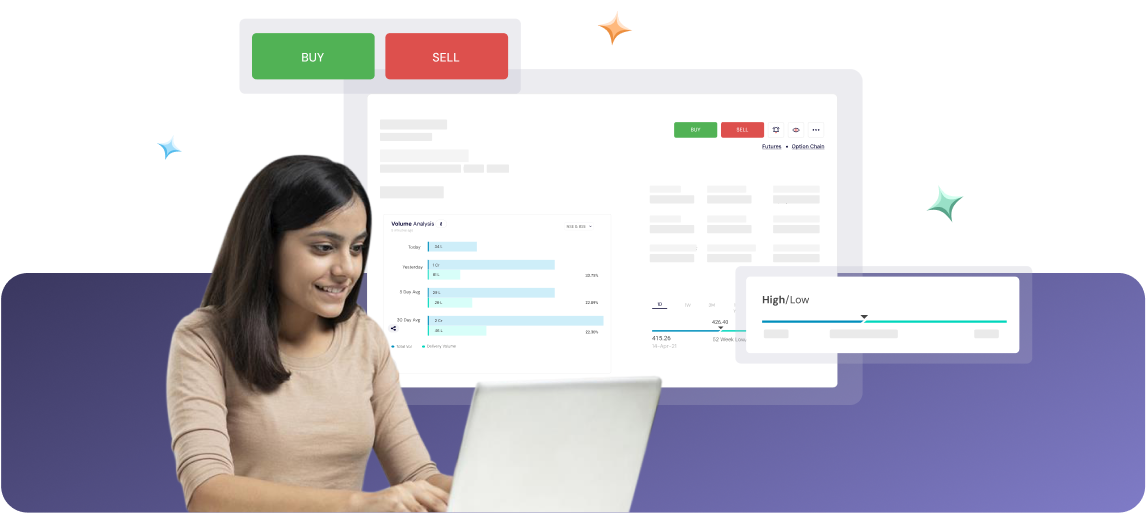
In-depth market analysis for Equity , Futures and Options market like never before with our comprehensive Market Stats section. Get seasonality analysis, advance decline ratio, trends in FII and DII flow, sector performance, top gainer & losers, open interest analysis, option chain and much more. Also with our detailed stock quote page, you can now take more informed decisions.

Advanced charting
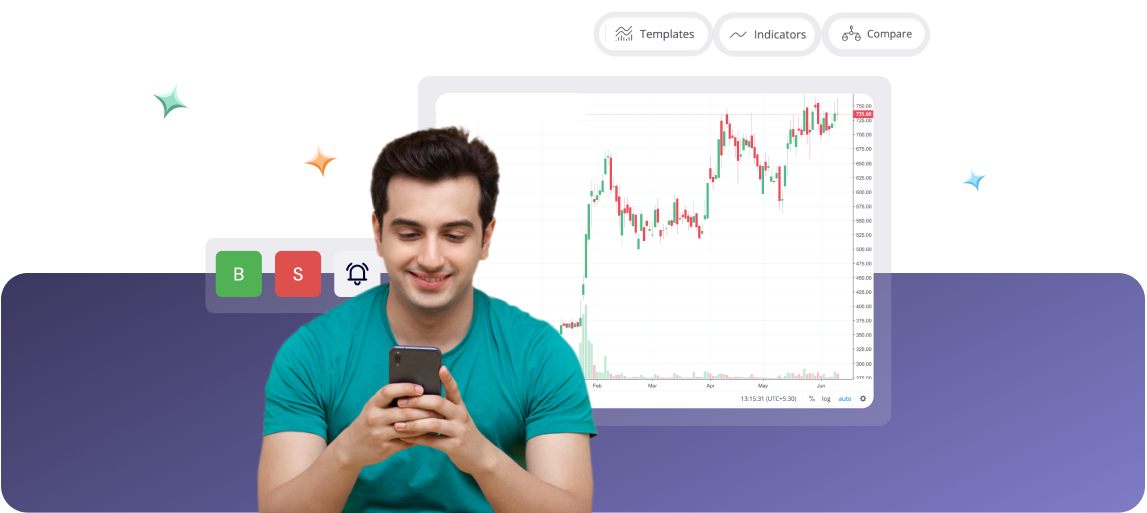
For immaculate technical analysis, you require software which has an advanced charting tool. With TX3 enjoy live streaming charts with 60+ advanced technical indicator and drawing tools, advanced chart types such as Heiken Ashi, Renko, Point and Figure, Kagi etc. View 15 years of historical EOD data and 1 year of intraday trading data. Create, save and re-use customized templates, place order directly from charts and all this using shortcuts and a design that is clutter free and user friendly. While most powerful charting softwares require paid subscription, TX3 provides this absolutely free!

Live portfolio and Reports
Track your investment performance in real time with Live portfolio and take quick trading decisions on the go. Also access and download all reports like Ledger, Transaction history, Profit and loss, Contract notes and statements, Cost report, DP bills, Inter settlement charges etc. with ease from within the application in just a few clicks.

Dedicated Research Section
With our dedicated research section, view stock recommendations given by our research team as well as study and download the research reports on an extensive list of companies covered by our research team. Also execute research calls with just a single click.

TOOLS LIKE OPTIONS CALCULATOR, EVENTS CALENDAR FOR TIMELY TRADING DECISIONS
With tools like events calendar, options calculator with what if analysis and set alert you can foresee upcoming activities, analyse the impact of the market movements, and be alerted in a timely manner.
Customizable workspace
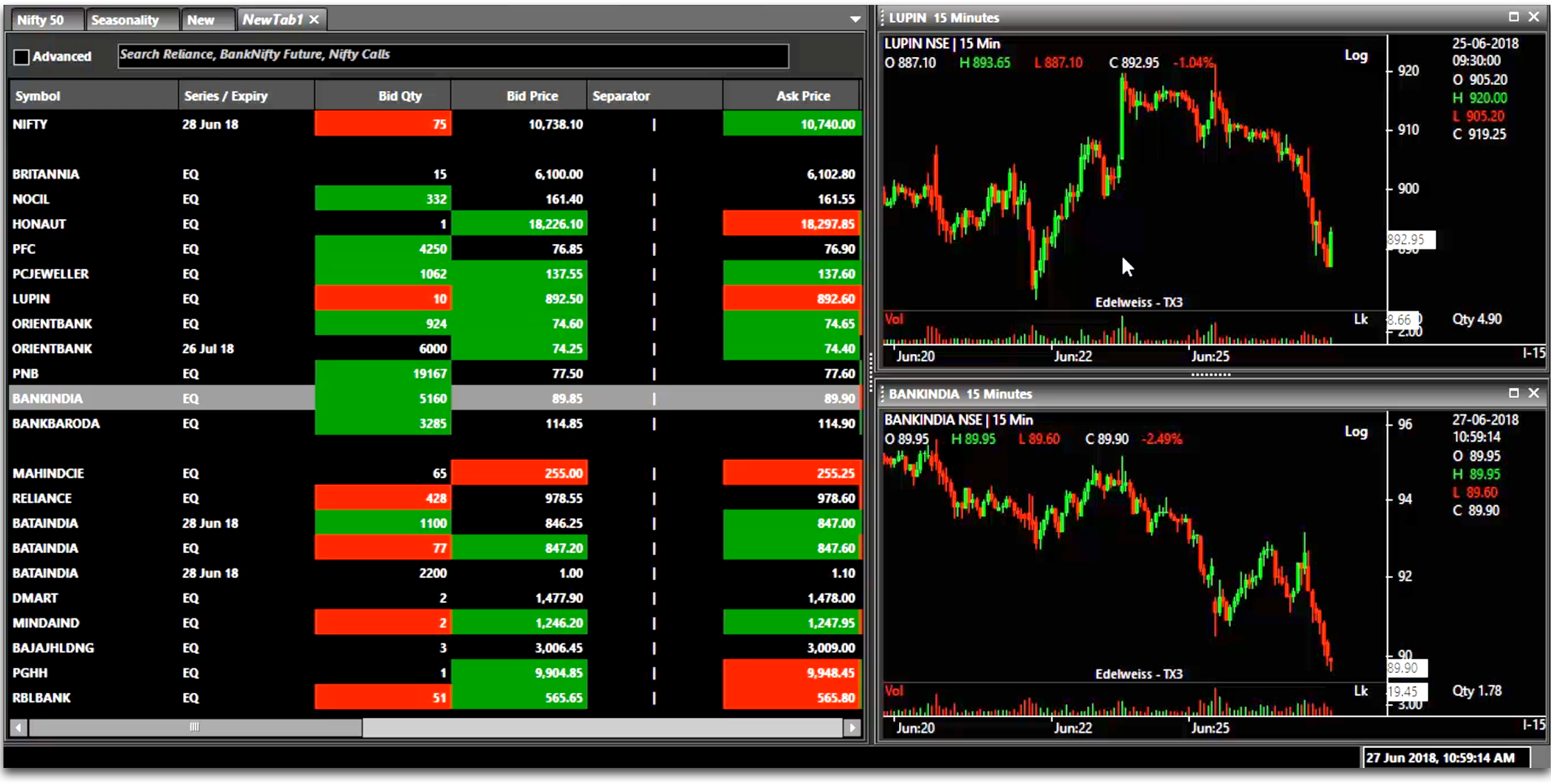
Your trading terminal, your view. With each screen capable of being converted into widget sized boxes, watch one screen at a time or multiple screens at one go - you choose how your workspace would look like. Also with floating widget to track indexes, you can be on top of the markets even when this share market software is minimized and you are working on something else.

INTRADAY TRADING & DERIVATIVE TRADING MADE EASY
With quick shortcut keys, insightful market information and powerful charting in this trading software, intraday trading and derivative trading no more seem cumbersome. Tools like timely alert also help you to always time your trades to perfection. Needless to say trading in equity market using this software is equally easy too.
The best part about TX3 though is that it is free for all and the only time you will need to login is when you want to trade or see your account related details. So what are you waiting for Download TX3 now!
Learn how to use the TX3
How To Place a Trade on this Desktop Trading Software?
- 03 August, 2018
How to Get Stock Insights on the TX3 Trading Terminal?
- 03 August, 2018
How to See Stock Research with this Share Market Software?
- 10 August, 2018
How to see charts with the advanced charting software?
- 10 August, 2018
Help, FAQs and Share Feedback
- 10 August, 2018
Changing User Preference setting on the TX3 Trading Terminal
- 10 August, 2018
Market Stats- What's happening in market using this Trading Software
- 05 October, 2018
Market Stats- Futures & Options using this Trading Software
- 05 October, 2018
Market Stats- Equity Markets using this Trading Software
- 05 October, 2018
Market Stats- Seasonality Analysis using this Trading Software
- 05 October, 2018
Tools on this Share Market Software
- 05 October, 2018
Reports on this Share Market Software
- 05 October, 2018
How to create Watchlist on the Trading Terminal TX3?
- 05 October, 2018
Still have questions?
Everything you need to know about this share market software
How To Place a Trade on this Desktop Trading Software?
- 03 August, 2018
How to Get Stock Insights on the TX3 Trading Terminal?
- 03 August, 2018
How to See Stock Research with this Share Market Software?
- 10 August, 2018
How to see charts with the advanced charting software?
- 10 August, 2018
Help, FAQs and Share Feedback
- 10 August, 2018
Changing User Preference setting on the TX3 Trading Terminal
- 10 August, 2018
Market Stats- What's happening in market using this Trading Software
- 05 October, 2018
Market Stats- Futures & Options using this Trading Software
- 05 October, 2018
Market Stats- Equity Markets using this Trading Software
- 05 October, 2018
Market Stats- Seasonality Analysis using this Trading Software
- 05 October, 2018
Tools on this Share Market Software
- 05 October, 2018
Reports on this Share Market Software
- 05 October, 2018
How to create Watchlist on the Trading Terminal TX3?
- 05 October, 2018